
AI at Work: Email, Docs, Slides, Sheets and Meetings
Use AI assistants on everyday work: email, documents, slides, spreadsheets, meetings and weekly updates, with safe data habits and review steps built in.
Course Preview
Locked ContentsAbout this course
Most of a working week is email, documents, slides, spreadsheets and meetings. This course shows you how to use AI assistants such as Microsoft Copilot, Gemini, ChatGPT, Claude, Gamma, Otter.ai and Notion AI on exactly that work, without giving up control of facts, numbers or tone. You will follow four colleagues, an HR executive, a sales manager, an operations analyst and a project coordinator, through real tasks: triaging an inbox, answering a difficult client, turning notes into an SOP, building a deck from an outline, writing and testing spreadsheet formulas, and turning a meeting transcript into clear actions. Every lesson has copy-ready prompts with built-in review steps, and the course starts with company rules on work data, approved tools and confidentiality. You finish by building a work assistant kit for one real weekly workflow and measuring the time it saves honestly.
What you will learn
Course Curriculum
39 LessonsMap where AI helps in your week and set up the safety habits you need before using it on real work.
Where AI fits in your working day
The working loop: brief, draft, review, own
What you will build by the end
Company rules: work data, approved tools and confidentiality
Three buckets for work data
Confidentiality, accuracy and disclosure
Quick check: Company rules: work data, approved tools and confidentiality
Triage your inbox, write replies and difficult messages in your voice, and turn notes into documents people read.
Email triage and replies in your own voice
Replies that sound like you
When the draft is weak, fix the brief
Difficult messages and follow-ups that get answered
Write it calm, clear and kind
Follow-ups that people answer
Quick check: Difficult messages and follow-ups that get answered
Documents: first drafts, rewrites, summaries, proposals and SOPs
Rewrite for the audience, summarise for the busy
Proposals and SOPs
Quick check: Documents: first drafts, rewrites, summaries, proposals and SOPs
Build decks from a clear story, get correct spreadsheet formulas and summaries, and turn meetings into checked actions.
Slides: from outline to deck with speaker notes
From outline to slides
Speaker notes and making data visual
Spreadsheets I: formulas from plain English and cleaning data
Cleaning messy data
Quick check: Spreadsheets I: formulas from plain English and cleaning data
Spreadsheets II: summaries, inherited sheets, charts and checking the numbers
Explaining a sheet you inherited
Simple charts and checking every number
Quick check: Spreadsheets II: summaries, inherited sheets, charts and checking the numbers
Meetings: agendas, AI note-takers, consent and clear actions
From transcript to decisions and actions
Quick check: Meetings: agendas, AI note-takers, consent and clear actions
Keep project pages and weekly updates in order, plan your week, then build and measure your own work assistant kit.
Knowledge pages, weekly updates and planning your week
Reports and weekly updates
Planning your week and prioritising
Quick check: Knowledge pages, weekly updates and planning your week
Capstone: build your work assistant kit
Step 2: write, test and tighten the eight prompts
Step 3: measure honestly, then share
Quick check: Capstone: build your work assistant kit
Related AI Tools
Master these tools to get the most out of this course and build your AI workflow.
Otter.ai
Otter.ai is an AI meeting-notetaking and transcription service aimed at professionals, teams, and students who need searchable records of conversations. It offers live transcription, speaker identification, automatic summaries, flagged action items, and searchable conversations, and integrates with other tools. Accessible via web, Mac and Windows desktop apps, and iOS and Android apps, the service follows a freemium model with a free Basic plan and paid Pro, Business, and Enterprise tiers. A publicly documented API is available for Enterprise workspaces; users should review transcripts and speaker labels for accuracy in important records. The company's privacy policy identifies the operator as Otter.ai, Inc., which oversees the service and data practices.
Notion AI
Notion AI is the artificial-intelligence layer integrated into Notion by Notion Labs, Inc., offering writing assistance, research tools, meeting-note generation, and programmable agents. It includes features such as Notion Agent, Custom Agents, Research Mode, Enterprise Search, AI Meeting Notes, and AI writing blocks. The service is available on web, macOS, Windows, iOS, and Android and exposes a public REST API for integrations. A freemium model is used: limited trial AI access is offered on the free tier, while Business and Enterprise plans include core AI capabilities. Teams and individual creators who organise information, draft content, or automate workflows may use it; verify plan details before relying on extended AI access.
Gamma
Gamma is a web-based AI creation product from Gamma that helps users generate presentations, websites, documents, social media content, and simple graphics. Teams, content creators, and professionals who assemble decks, landing pages, or short marketing assets may find it useful. The Free tier supports creating presentations, documents, websites and social posts, simple images, importing PDF/PPTX files, and exporting to PDF, PPTX, PNG, or Google Slides. A public API exists but API-key access is gated to Pro, Ultra, Teams, and Business plans. Official sources list the platform as web only; native mobile access was not verified.
Gemini
Gemini is Google's active AI assistant accessible through a web app and official iOS and Android applications. It supports writers, students, developers, and creators with features such as drafting and editing text, image generation and editing, coding assistance, Deep Research tools, Gemini Live, and Canvas. The service is offered under a freemium model with a free tier and several paid Google AI plans, and a public API is available for integrations.
Deep-Dive Articles
Explore advanced guides and explainers to supplement your course learning.

AI Tools for Remote Workers: A Simple Stack for Focused Collaboration
Remote work rarely fails because people lack another chat window. It fails when a decision is buried in a meeting, a handoff depends on someone’s memory, a deadline lives in a private notebook, or five applications send different versions of the same alert.
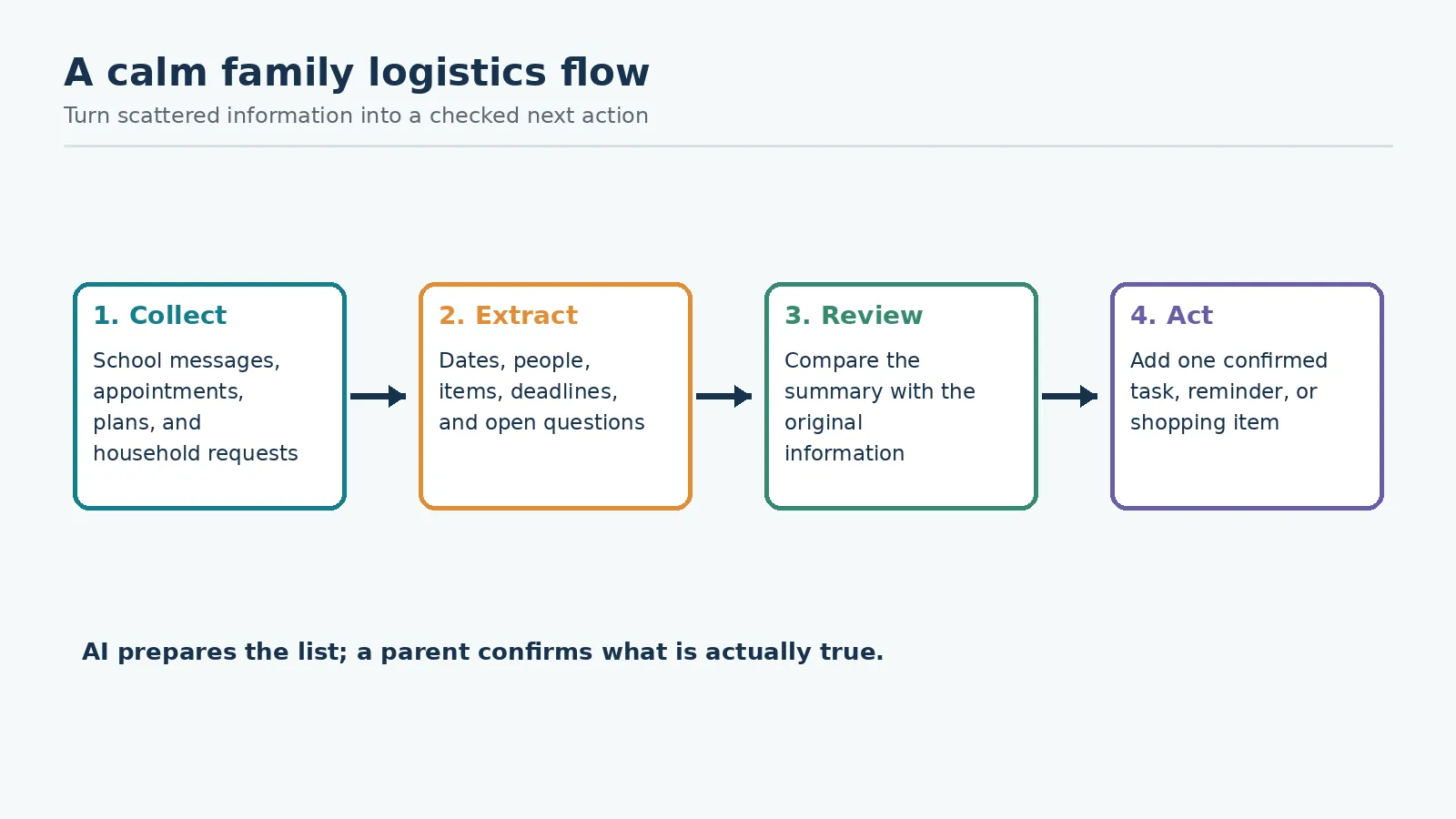
AI for Busy Parents: Useful Automations That Do Not Require Technical Skills
Family life rarely feels difficult because one task is impossible. The pressure comes from dozens of small decisions arriving at once: what to cook, which child needs a kit, when a permission form is due, whether the supermarket list includes everything, and which appointment conflicts with work.
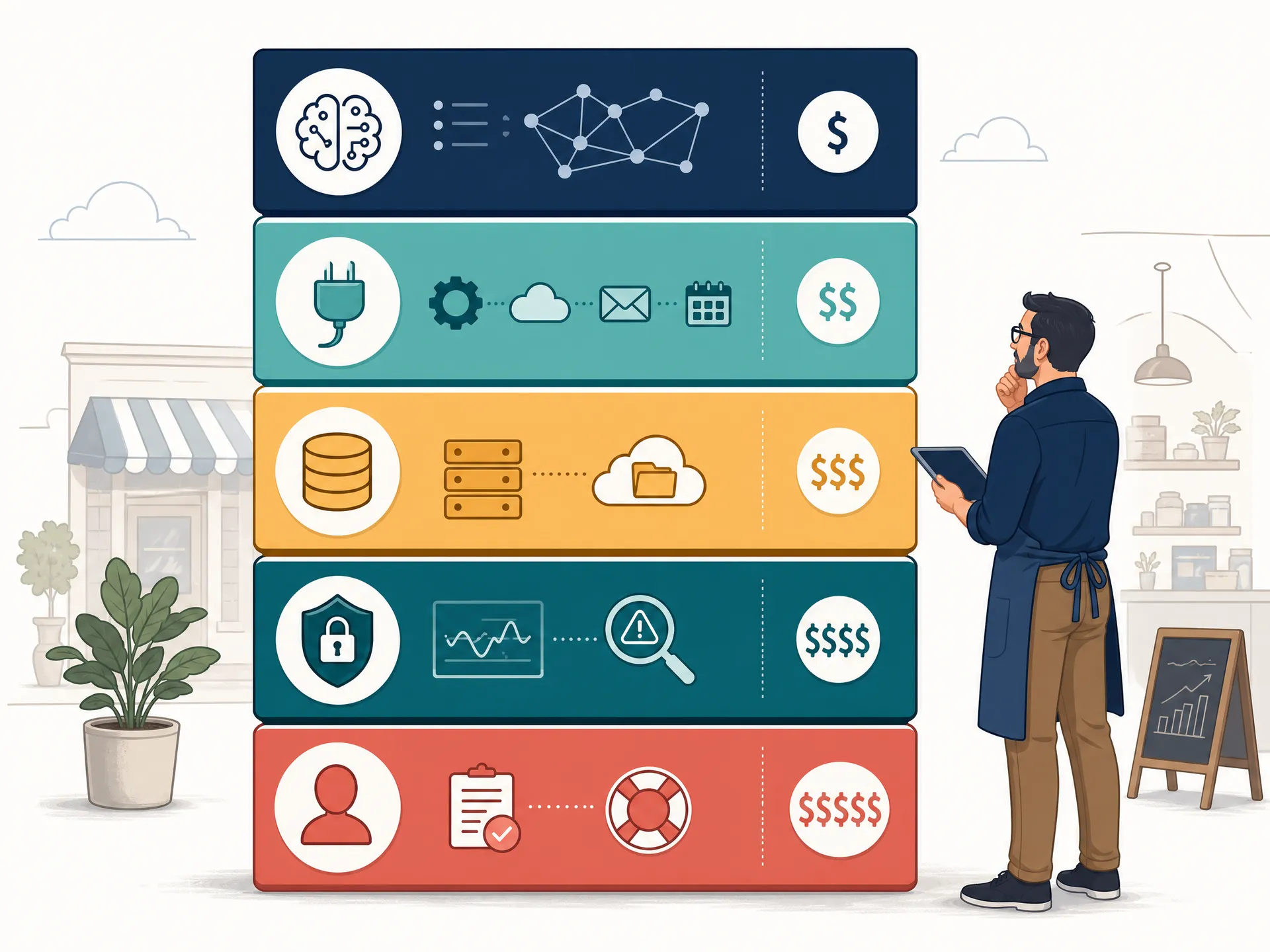
The Hidden Costs of AI Agents: A Practical Budgeting Guide for Teams
An AI agent can look inexpensive when its price is presented as a monthly subscription or a few cents per request. That view is incomplete.
Ready to learn AI practically?
Explore more AI courses, articles, and tool guides designed for real-world learning and immediate application.