Meera runs a small bakery. Tomorrow she launches a festive gift box and needs a square post, a story banner and a product shot. No photographer, no designer, one evening. With a clear prompt and a few careful edits, an image tool can get her most of the way there. This course teaches you exactly that workflow, step by step.
AI image tools turn a written description into a picture. You type something like a box of saffron cookies on a marble counter, soft morning light, and a few seconds later you have options to choose from. That sounds magical, and the first results often are impressive. But anyone who has tried to use those first results for real work soon notices the problems: odd hands, garbled text, a style that changes from one image to the next, and a lingering doubt about whether you are even allowed to use it.
This course is about closing that gap. You will learn to go from prompt to polished visual: an image you can actually post, print, sell with or present, because you planned it, edited it and checked it. You do not need any design training. You need curiosity, about two hours, and access to at least one image tool. Many chat assistants such as ChatGPT and Gemini now include image creation, and dedicated tools like Midjourney, Adobe Firefly, Ideogram and Canva offer their own. Features differ and change often, so check the current version of whichever tool you use.
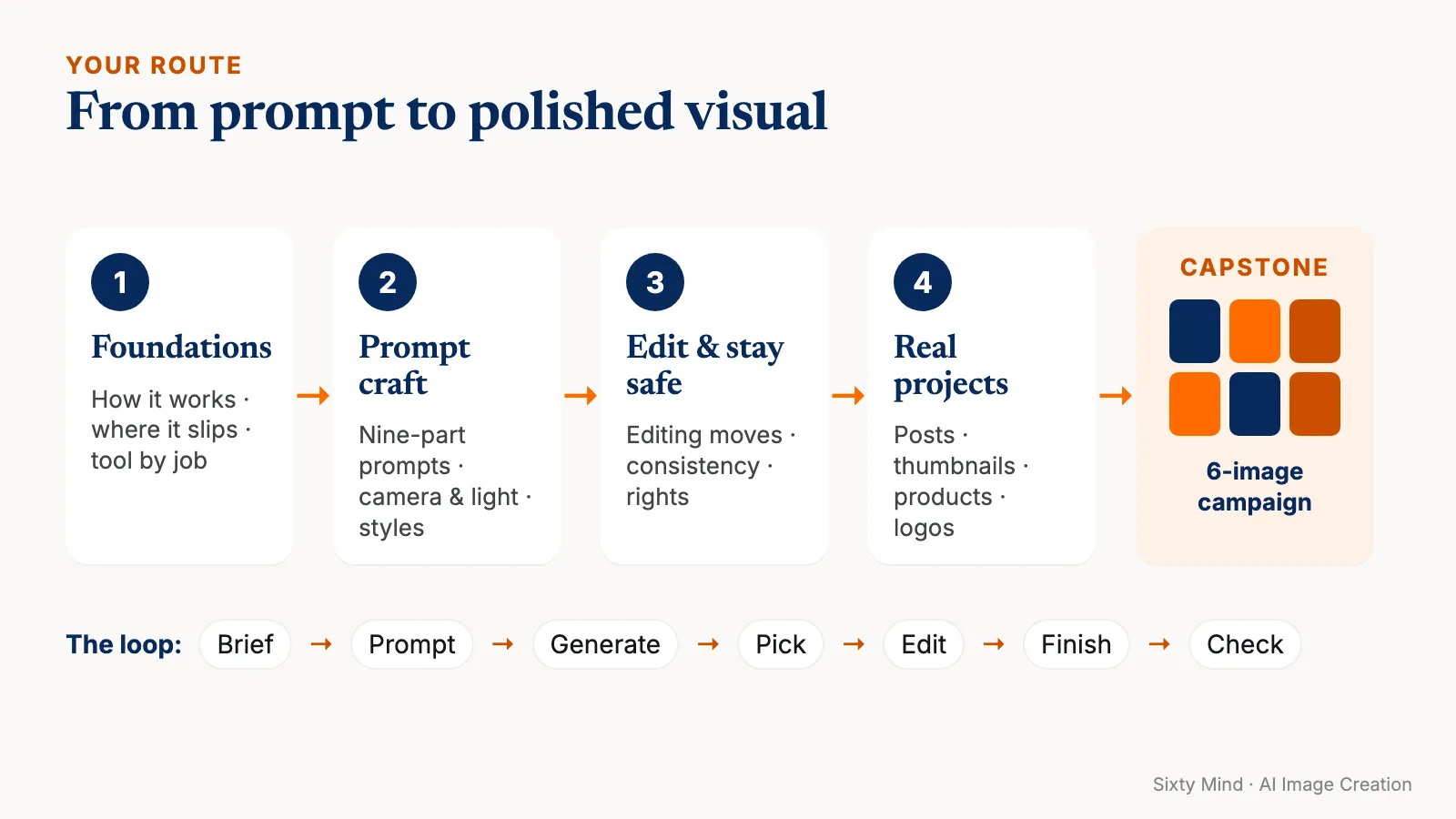
The course in one picture: four modules that lead to a six-image capstone campaign.
What you will make by the end
Every lesson ends with something you can use. Along the way you will create a social media post with readable text, a video thumbnail, a set of product photos for a small online shop, a presentation visual, and a page of logo concepts you could hand to a designer. The capstone pulls it all together: a six-image social campaign for a brand of your choice, with one consistent look, one colour palette and, if you like, a recurring character or product. You can use your own business, your employer, a club, a college event or a pretend brand.
Each lesson has two or three prompt recipes. These are copy-ready prompts with parts in curly braces, like {product} or {mood}, that you replace with your own details. Please run them. Reading about prompts teaches you a little; running them, looking hard at the result and changing one thing teaches you a lot. Where a recipe is meant for a chat assistant, it will usually ask the assistant to check its own work or ask you a question first, because that single line prevents many wasted attempts.