
Running an AI model on a laptop sounds like a simple promise: download a file, close the cloud connection, and ask questions privately. The reality is more useful when it is more specific. A modern laptop can run several impressive local workloads, but performance depends on memory, storage, cooling, graphics support, model size, context length, and the job you want the system to perform.
Private AI means that the relevant computation happens on hardware you control, or inside a local network with a defined boundary. A local setup may still connect to remote services, and a downloaded model still needs a safety review. An editor may still send telemetry, a plug-in may call a remote service, and a model may have licence conditions that matter to commercial use. Treat privacy as a system property that must be checked, not as a label on an installer.
Ollama’s Windows documentation shows the practical range of a local setup. The application runs natively, exposes a local API, supports selected NVIDIA and AMD acceleration paths, and needs additional storage for models that may occupy tens or hundreds of gigabytes. [1] This guide explains what a laptop can handle comfortably, what requires patience, and where a data centre remains the sensible choice.
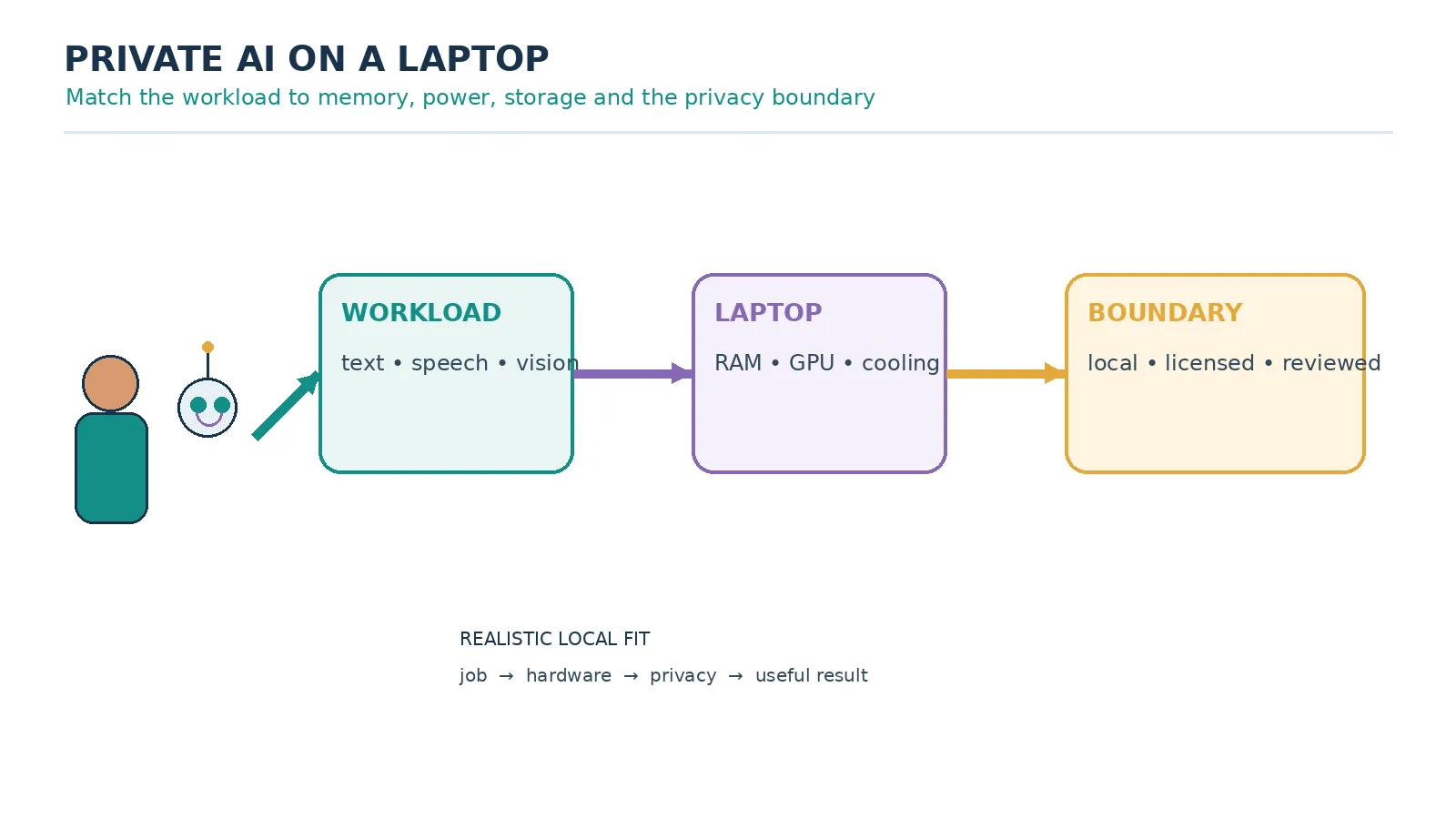
Start with the workload, not the model catalogue
Before comparing model names, write down the job. You might want to summarise personal notes, draft text, classify files, search a small document collection, transcribe a meeting, generate embeddings, or experiment with image analysis. These tasks place different demands on a computer. A small text model may be comfortable on a machine that struggles with image generation. A short question may work well while a large document causes memory pressure.
Define the acceptable delay and the privacy boundary. Is a response within ten seconds useful, or is a slower overnight batch acceptable? Must the machine work with Wi-Fi disabled? Can model downloads happen through a managed connection? Will personal or confidential data enter the prompt? These decisions are more important than a benchmark score copied from another laptop.
A sensible first project has one clear input, one output, and one way to judge quality. For example, ask a local assistant to extract action items from a folder of non-sensitive meeting notes. Keep a manual baseline so you can compare speed and usefulness instead of assuming that a local model is valuable because it runs.
Understand the laptop’s real resource budget
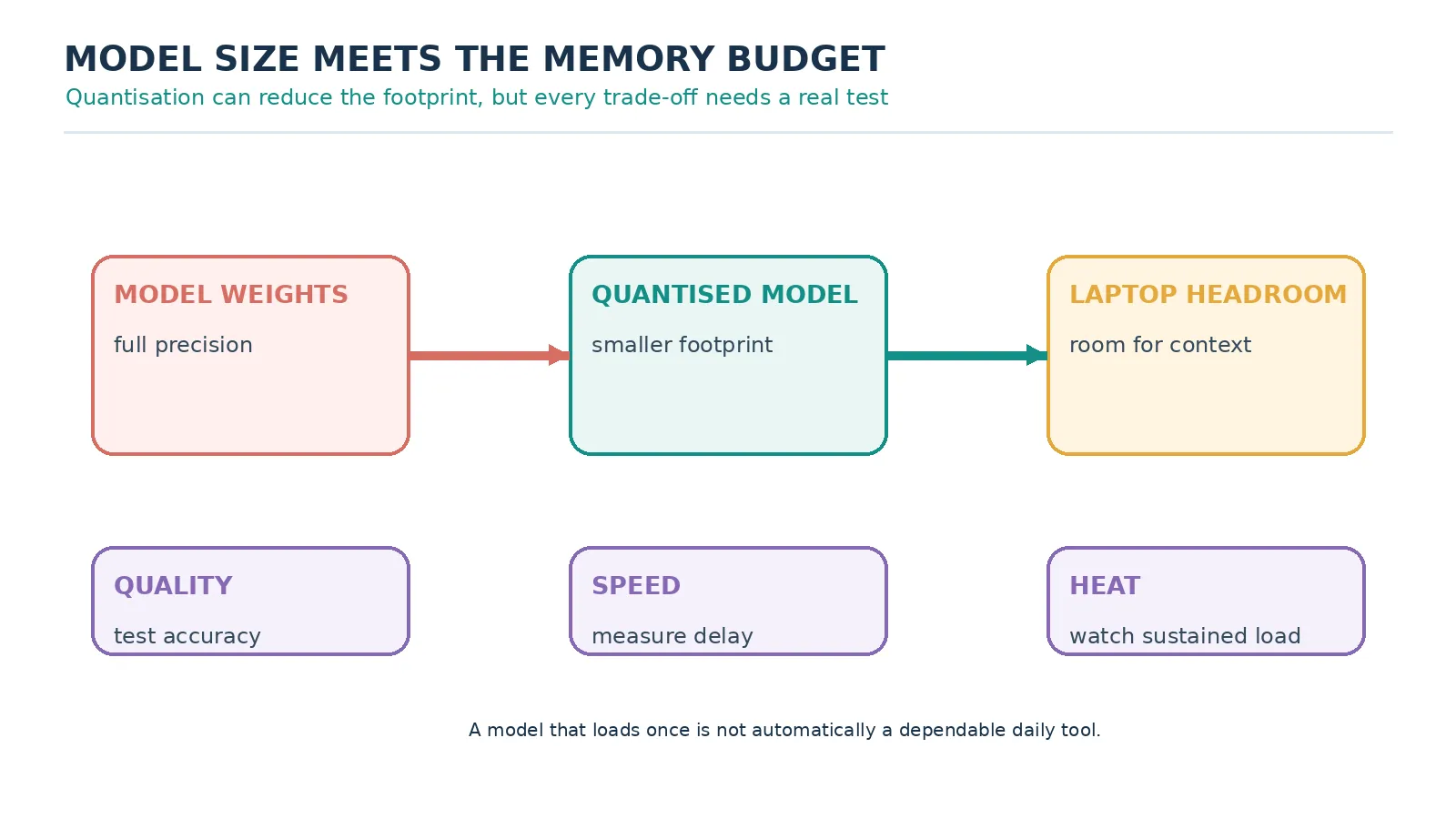
The headline memory number is not the amount available to a model. The operating system, browser, editor, background services, model weights, context, runtime buffers, and application overhead all compete for the same resources. A laptop with 16 GB of system memory may run a small quantised model, but it will have less headroom for long prompts or other applications.
Graphics memory matters when an application can use a discrete GPU. Shared-memory systems may let the model draw from system memory, but the available capacity remains finite. Thermal limits also affect sustained work. A laptop can complete a short response quickly and then slow down as the fans, power profile, or temperature controls react.
Storage is easy to underestimate. The runtime may be modest, while several model variants, caches, embeddings, logs, and source copies consume much more space. Ollama states that the installation needs at least 4 GB, while model storage can reach tens to hundreds of gigabytes. [1] Keep free space for the operating system and updates; a machine that is technically able to load a model may become unpleasant to use when the drive is nearly full.
What quantisation changes
Quantisation stores model values with reduced numerical precision. The practical benefit is a smaller memory footprint and, in some runtimes, faster or more accessible inference. The trade-off is that a quantised model may produce different results from a full-precision version, particularly on difficult reasoning, exact formatting, or specialised tasks.
Do not choose a quantisation level by its label alone. Test the actual model on a fixed prompt set. Check factual accuracy, instruction following, output length, refusal behaviour, speed, memory use, and whether the laptop remains responsive. A smaller model that answers reliably may be more useful than a larger model that forces constant swapping and delays.
Keep one known-good version before experimenting. Record the model file, runtime, settings, context length, system prompt, and test results. This makes it possible to explain why quality changed and to return to a stable configuration.
Small text models are the easiest starting point
Laptop-friendly text models are useful for rewriting, summarisation, extraction, classification, brainstorming, code explanation, and question answering over short context. Their strengths depend on training, runtime, prompt design, and the language of the task. They are not automatically reliable because the files are stored locally.
Use a structured prompt and ask for a constrained output when the result feeds another tool. A short JSON schema or a fixed list of fields can make errors easier to spot. For open-ended writing, review claims, names, dates, calculations, and quotations. Local execution changes where the request is processed; verification remains necessary.
Context length is a separate constraint from model size. A model may fit in memory while a long document causes slow processing or pushes the runtime beyond its useful limit. Split source material into sensible sections, retrieve only relevant passages, and preserve links or page references. This approach makes private document work easier to inspect.
Embeddings and local search can be modest but useful
A private search assistant often needs two components: an embedding model that represents text for comparison, and a language model that explains the retrieved passages. Both can run locally, although the setup still requires storage, indexing time, and careful permissions.
Start with a small, non-sensitive collection. Give each document a stable identifier, title, revision date, access group, and source path. Test exact names and codes as well as paraphrased questions. A local search layer should not return an outdated or restricted passage merely because it is semantically similar.
A personal archive or small project can use a modest database. The laptop still needs enough memory for the index and enough discipline to update or delete entries when the source files change. Keep the original documents available for inspection; an embedding is a search aid, not a replacement for evidence.
Speech, vision and image generation need different expectations
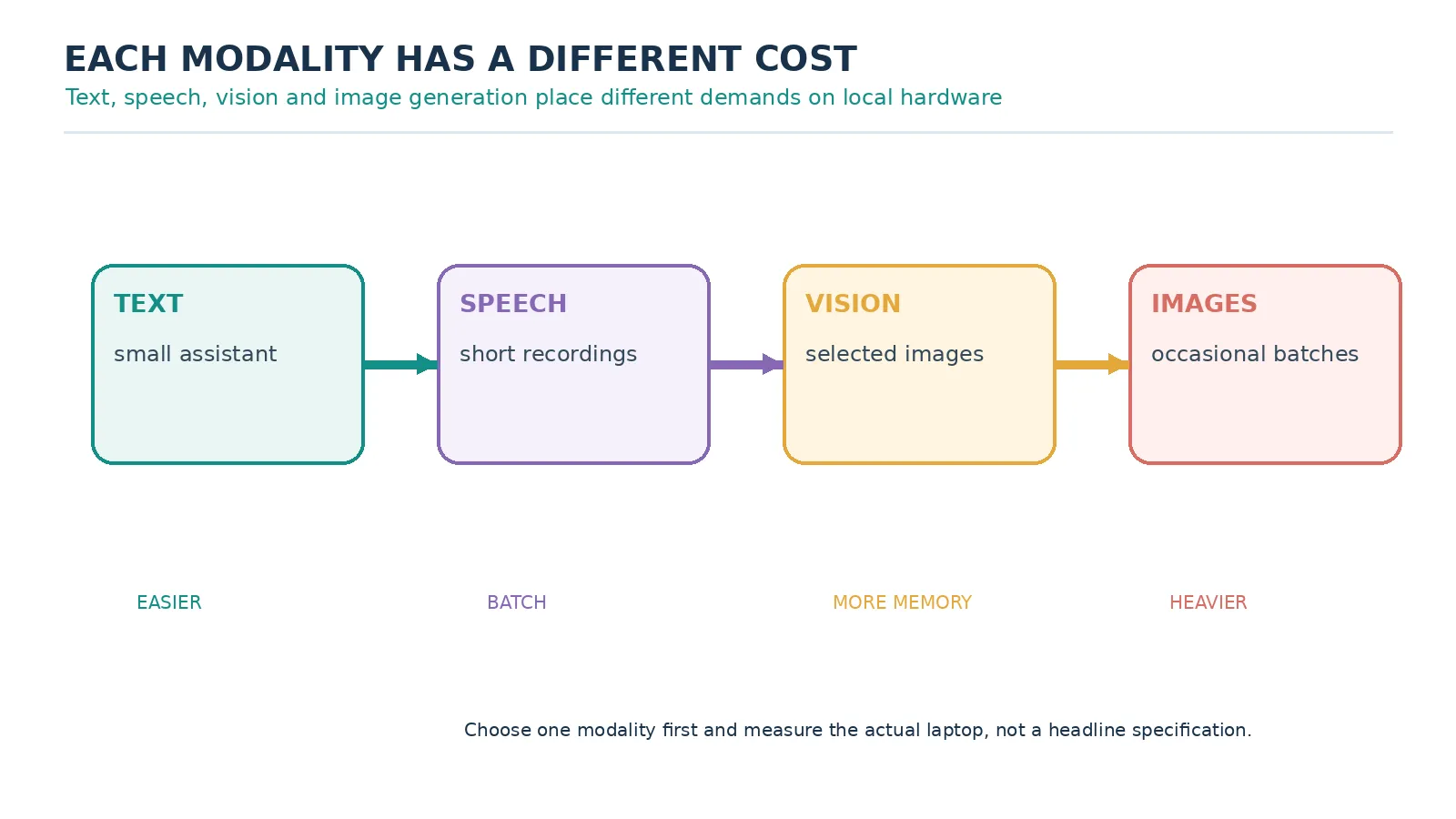
Speech-to-text can be practical on a laptop for short recordings, especially when the workload is processed in batches. Longer recordings consume time and storage, while accuracy varies with accents, background noise, speakers, and specialist vocabulary. Keep the original audio and review names, numbers, and sensitive sections.
Vision models may require more memory than a similar-sized text model because the image becomes additional input. Resize images when the task allows it, avoid sending an entire high-resolution archive into one prompt, and test documents with tables, handwriting, or small type separately.
Image generation can run locally on suitable graphics hardware, but it is usually more demanding than text drafting. Generation speed, resolution, model size, and graphics memory interact closely. A laptop may handle small images or occasional experiments while struggling with repeated high-resolution batches. A cloud or workstation workflow may be more practical for sustained production.
Choose tools with a clear local boundary
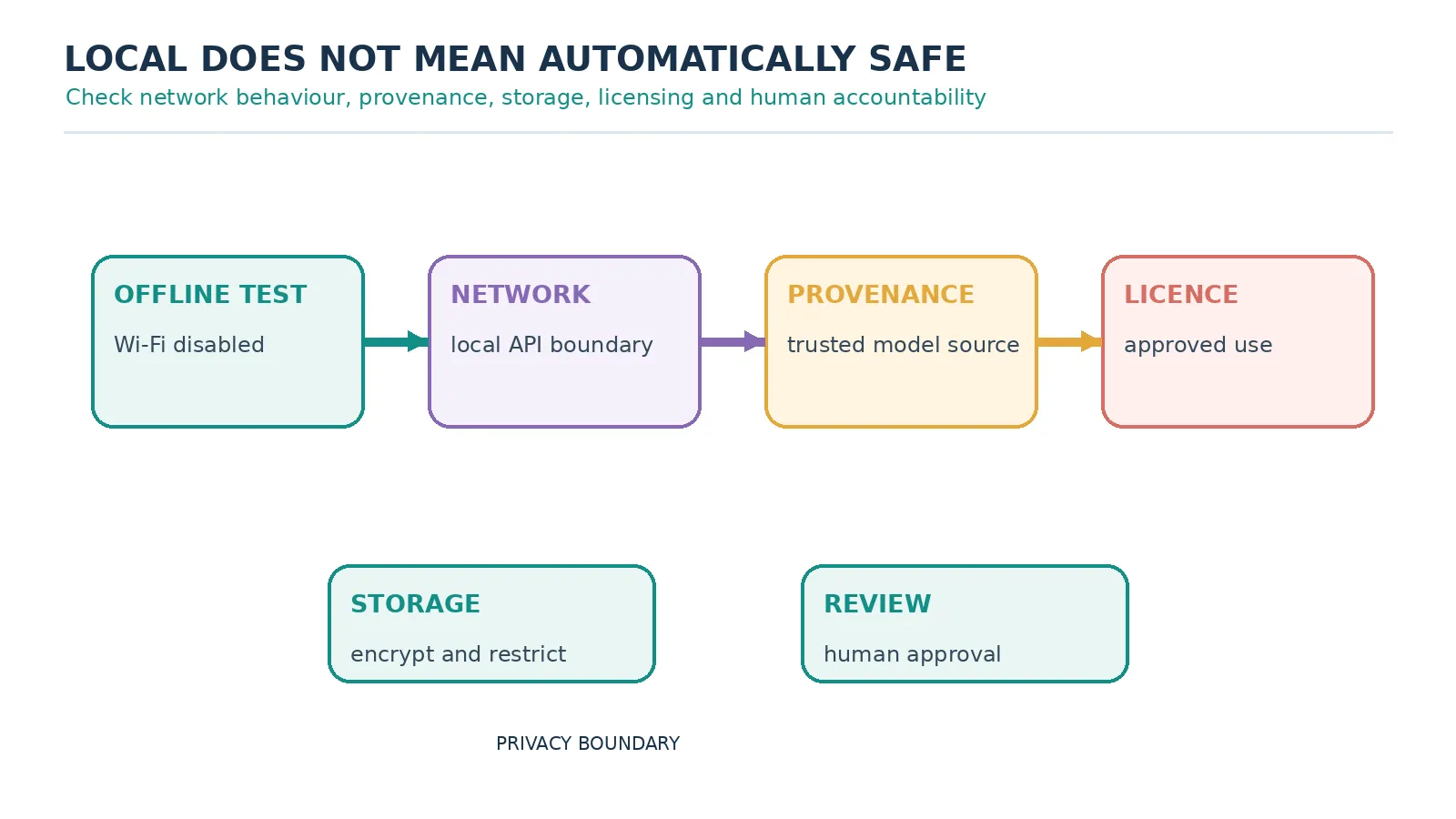
A local runtime should make its network behaviour understandable. Ollama documents a local API at `http://localhost:11434` and provides model-location controls for Windows. [1] A local API address is useful, but it is not proof that an editor, extension, update service, or plug-in never communicates externally.
Read the tool’s documentation, inspect settings, and test with Wi-Fi disabled where practical. Watch network connections during a controlled, non-sensitive experiment. Keep secrets, customer records, health information, and private business documents out of the first test. If the application cannot explain what leaves the machine, use a safer sample or choose another tool.
Model licences deserve the same attention as software licences. Check whether a model permits commercial use, redistribution, fine-tuning, or internal deployment. Keep a record of the model source, version, licence, checksum where appropriate, and the person who approved its use.
A practical local-AI fit guide
| Workload | Often realistic on a capable laptop | Main constraint | Sensible first test |
|---|---|---|---|
| Small text assistant | Drafting, extraction and short summaries | System memory and context length | Compare ten fixed prompts with a manual baseline. |
| Private document search | Small collections with local embeddings | Index quality, storage and permissions | Retrieve known passages from non-sensitive files. |
| Speech transcription | Short or batch recordings | Runtime speed, noise and storage | Transcribe a short sample and check names. |
| Lightweight vision | Image questions and document inspection | Memory and image resolution | Test a few representative images. |
| Image generation | Occasional low-resolution experiments | GPU memory, heat and speed | Render a small batch and measure stability. |
| Model fine-tuning | Learning experiments on prepared data | Compute time, memory and data quality | Start with evaluation, not a production training run. |
| Large-scale training | Usually unsuitable for a normal laptop | Compute, cooling, time and data volume | Use a managed or workstation environment. |
Plan privacy as a boundary, not a slogan
Local processing can reduce the number of places where prompts and documents travel, but the machine still needs protection. Protect the operating system, encrypt the drive, use a separate account where appropriate, limit file permissions, and keep model directories away from shared folders. Do not place a secret in a prompt merely because the model is local.
Treat downloaded model files and plug-ins as software. Obtain them from trusted sources, check updates, remove unused components, and keep the runtime current according to your organisation’s policy. If a laptop is lost or repaired, assume that local prompts, logs, caches, and model files may need protection.
A local assistant also needs a human boundary. It may help draft a response or organise evidence, but a person remains responsible for legal, financial, medical, employment, safety, or customer-impacting decisions. Privacy and correctness are related goals, not substitutes for each other.
A realistic setup sequence
First, record the laptop’s operating system, system memory, graphics memory, free storage, power profile, and network policy. Next, choose one approved runtime and one small model. Run a fixed test set with ordinary, non-sensitive material. Measure startup time, first-token delay, tokens per second if available, memory pressure, fan behaviour, battery impact, and answer quality.
Then decide whether the result is good enough for the intended task. If not, change one variable at a time: model size, quantisation, context, prompt, hardware acceleration, or workload. Keep notes so a successful result can be reproduced. Do not confuse a model that loads once with a system that is dependable for daily work.
A useful laptop trial should include interruptions and recovery. Close the model during a response, then reopen the application after a restart. Disconnect the network and confirm that the tool fails in an understandable way. Check whether a long request makes the rest of the computer unusable. These tests reveal practical limits that a single successful demonstration hides.
Keep a small acceptance record for the chosen workload. Note the maximum prompt length, typical response time, acceptable error types, battery impact, storage location, model licence, and circumstances that require a cloud or human fallback. Review the record when the operating system, runtime, model, or source collection changes. A private assistant becomes dependable through repeatable boundaries, not through a single impressive answer.
A data centre becomes sensible when you need large models, heavy concurrent use, rapid high-resolution generation, long-running training, large context windows, central governance, or predictable service-level performance. Local AI is not a competition in which every task must stay on the laptop. It is a choice that works best when the workload, privacy boundary, and hardware budget genuinely fit.
Use a simple stop rule for the experiment. Move to a workstation or managed service when the laptop misses the agreed response time, repeated runs cause thermal throttling, storage falls below its safety margin, or the model licence cannot be verified. Keep local processing when it provides an acceptable result, protects the intended data boundary, and remains maintainable. Record the evidence behind this decision. A written threshold keeps the choice reviewable. Recheck it after a major software update, because drivers, runtimes and model formats can change performance without changing the laptop’s physical specification. Repeating the same test after updates keeps the decision grounded in current evidence and prevents stale expectations. This record also supports a careful handover.
| KEY TAKEAWAY: A laptop can run useful private AI for small text tasks, document search, selected speech and vision work, and limited creative experiments. Choose the workload first, measure memory and heat, test the real model, and treat privacy, licensing and verification as part of the setup. |
|---|
| SAFETY CHECK: Use trusted runtimes and model sources, keep personal and confidential data out of unverified tools, inspect network behaviour, protect local files and secrets, check model licences, and retain human review for decisions involving money, rights, health, employment, safety or customers. |
|---|