
An AI project can begin with a tiny test bill and end with an uncomfortable finance meeting. The surprise rarely comes from one dramatic model call. It grows through many ordinary decisions. These include a long prompt sent on every request, an agent that repeats a tool call, or an index that retains old versions. Other examples include full conversation logs, unexpired backups, and a service left running after the experiment ends.
A better starting point is the finished result that a customer or colleague receives. Trace that result backwards through prompts, model responses, retrieval, databases, storage, monitoring, network movement, evaluation, support, and human correction. Microsoft’s guidance also supports planning costs before launch, checking assumptions, watching real usage, and applying alerts at a defined resource level. [1]
This guide explains hidden AI cloud costs that affect a small project. The examples use a customer-support assistant that searches approved help articles and drafts replies. The same framework applies to document automation, internal search, classification, coding assistants, and AI agents. The aim is not to predict an exact provider invoice. Prices, regions, model tiers, discounts, quotas, and billing rules change. Instead, build a cost model that reveals waste early.
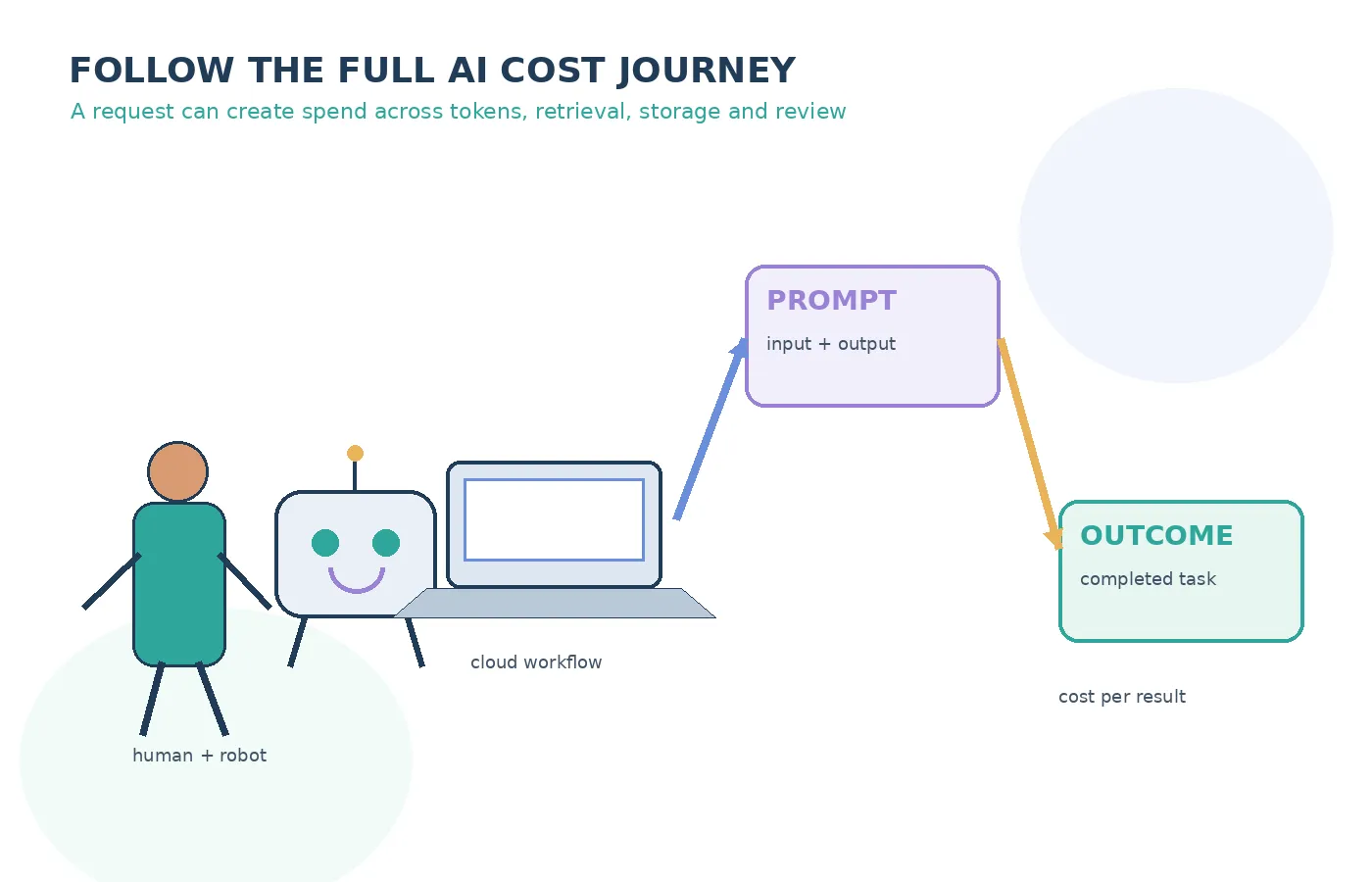
Start with the business unit of value
A token is a billing unit, not a business outcome. Begin by defining what the application is meant to complete. For a support assistant, the unit might be one resolved customer question, one approved draft, or one case routed to the correct team. Record the average number of model calls, retrieval operations, tool calls, human reviews, and stored artefacts required for that unit.
This calculation exposes inefficient workflows. A single user request may trigger a classifier, a query rewrite, an embedding call, a vector search, a response draft, a safety check, and a second generation attempt. Each step may be reasonable, but the combined cost can be much larger than the interface suggests. An agent that loops while trying to solve a simple request turns a small per-call price into a variable operational liability.
Write down the expected volume and its shape. Ten thousand short requests spread across a month create a different capacity problem from ten thousand requests arriving during one product launch. Include ordinary traffic, seasonal peaks, retries, evaluation runs, support investigations, and development traffic. Keep estimates separate from observed usage so an early pilot does not quietly become the permanent budget.
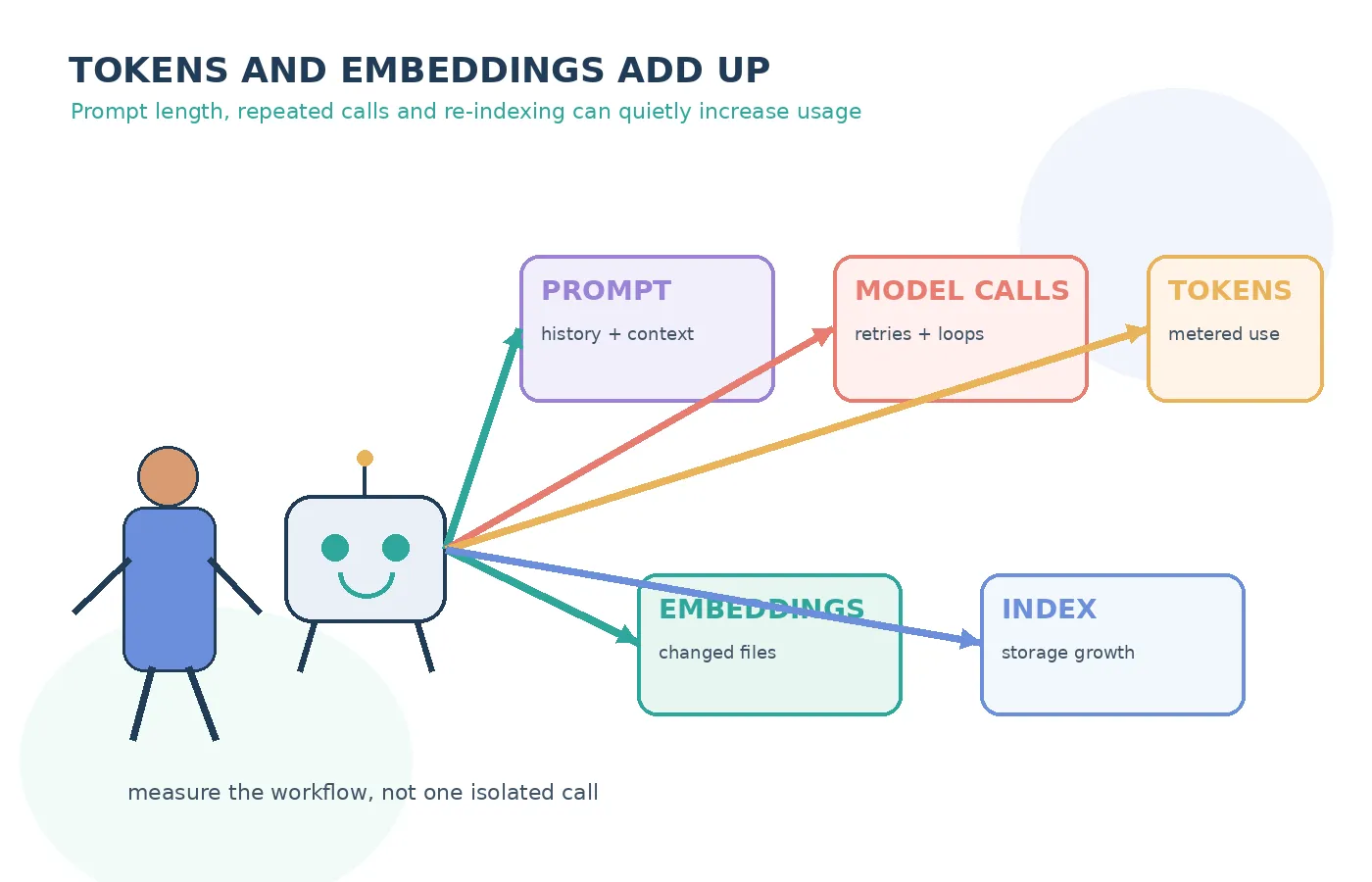
Tokens become expensive when prompts grow unnoticed
Many hosted language-model services charge according to input and output usage, although the exact billing model differs by provider and model. Long prompts increase input consumption even when the visible user question is short. A system may resend the full conversation, policy pack, tool descriptions, retrieved passages, and formatting instructions on every turn.
Measure tokens by route and workflow. Track prompt size, generated length, number of calls, model choice, cache use where available, and whether a request was retried. Averages can conceal an expensive tail, so inspect the longest prompts and highest-cost sessions. A small proportion of looping agent runs may deserve more attention than a broad average.
Reduce waste without damaging quality. Remove irrelevant history, retrieve fewer passages, summarise old turns, constrain output length, and choose a smaller model for routine classification or extraction. Keep a quality test set so the cheapest prompt is not mistaken for the best prompt. A concise response that omits a necessary warning can create a larger support or compliance cost later.
Cache stable instructions and repeated context when the platform supports it. Batch suitable offline work instead of sending individual calls. Use a more capable model only where evaluation shows a meaningful benefit. Record the reason for each model choice so later cost reviews can question assumptions without relying on habit.
Embeddings create a second usage meter
A retrieval system may call an embedding model when documents are indexed and again when a user submits a search query. Indexing a large document collection can therefore produce a noticeable one-time or recurring cost. Re-indexing unchanged files, embedding every revision without deleting obsolete vectors, or splitting documents into excessively small pieces increases work and storage.
Give each source document a stable identity and revision record. Check whether a file changed before embedding it again. Keep the original passage, access group, source link, revision date, and vector together so an old entry can be removed safely. Monitor index size, embedding volume, update frequency, query volume, and failed indexing jobs.
Storage choice matters as the collection grows. A basic project may use a general database, a managed vector service, object storage, or a search platform. Compare the cost of capacity, queries, replicas, backups, transfer, and operational effort. A low query price can be outweighed by a large always-on cluster or duplicated index.
Storage is more than the vector index
AI applications often retain more data than their designers first count. The source collection may live in object storage, while extracted text, thumbnails, embeddings, cached responses, evaluation sets, trace records, prompt templates, model artefacts, backups, and exports occupy other locations. Each store can have separate capacity, request, replication, retrieval, and deletion charges.
Create a storage inventory with an owner and retention rule. List the data type, location, size, growth rate, backup policy, access group, deletion trigger, and whether the material can be recreated. Keep expensive high-performance storage for data that needs fast access. Move older evaluation artefacts or approved archives to a cheaper tier when the access pattern allows it.
Versioning protects against accidental deletion, but it can also preserve every large file indefinitely. Review object versions, failed uploads, temporary exports, and abandoned test collections. A team may pay to retain five generations of the same document because nobody connected a successful release to a clean-up task.
Retention must support legal, security, and operational needs. Never delete evidence only to reduce a bill. Instead, ask the data owner and policy team what must remain, for how long, and in what form. A retention schedule makes the decision visible and prevents both careless deletion and automatic hoarding.
Monitoring and evaluation have their own bill
An AI application needs observability, yet detailed records can become a separate expense. Counts, timings, model versions, source identifiers, tool events, quality measures, prompts, outputs, and feedback all add volume. Billing data may arrive after the underlying activity, so treat a live dashboard as provisional until the provider record settles. [1]
Choose the detail level according to risk. Keep full case-level traces for a short, controlled period when they are needed for debugging. Retain aggregated counts, latency distributions, cost by workflow, and error categories for longer trend analysis. Redact or hash sensitive values when the original text is not needed.
Evaluation adds deliberate usage. A fixed test set may call several models, prompts, retrieval configurations, and safety evaluators. Tag evaluation traffic separately from customer traffic and set a budget for experiments. Otherwise a team can mistake a productive comparison for ordinary usage and underestimate the cost of repeating it.
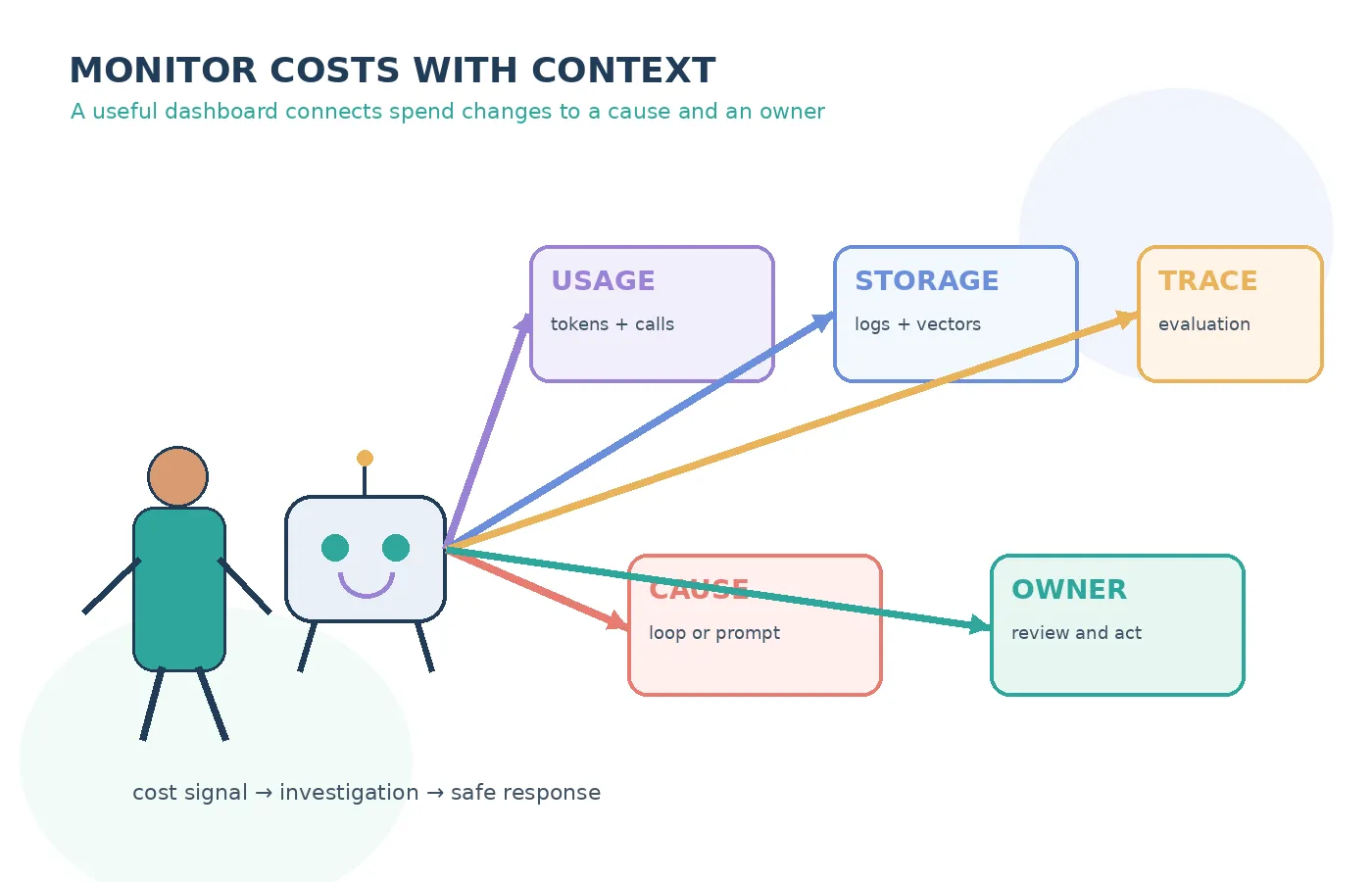
Alert on spend as well as reliability. A sudden cost increase may follow a traffic surge, a prompt expansion, a model change, a cache failure, a retry loop, or a forgotten test job. The alert should link to an owner and a first investigation step.
Agents multiply hidden calls
An ordinary completion has a visible start and finish. An agent may decide to search, call a tool, inspect the result, ask another model, retry a failed action, and continue until it believes the task is complete. The user may see one answer while the cloud records many operations.
Set limits before enabling autonomy. Use maximum steps, maximum tool calls, maximum output length, request timeouts, per-user budgets, and a clear stop condition. Log the reason for each tool call and the result category, not only the final answer. Review loops that repeat the same search or produce no useful progress.
Match model capability to task risk. A small model may route a request, while a stronger model handles a complex explanation. Require confirmation before actions that send messages, change records, spend money, or expose information. A cheap unrestricted agent can be more costly than a dearer but bounded workflow when errors require manual repair.
Cloud architecture can hide fixed capacity costs
Managed AI services are only one part of the architecture. A project may also run a web service, queue, database, search cluster, gateway, logging workspace, scheduled job, container, GPU endpoint, and backup system. An idle endpoint can produce a fixed charge even when users are absent. A development environment copied into several regions can multiply that charge.
Map each resource to an owner, environment, purpose, region, and shutdown rule. Separate development, staging, and production. Turn off temporary resources when the experiment ends, but preserve the configuration needed to reproduce a result. Use autoscaling carefully; a poorly chosen rule can launch capacity during a burst and keep it alive after the burst has passed.
Compare serverless, shared, provisioned, batch, and local options against the workload. A predictable high-volume service may benefit from reserved capacity, while an occasional experiment may suit a pay-per-use route. Do not choose solely on the lowest unit price. Include engineering time, reliability, regional availability, security controls, and exit costs.
Build a cost table before you build a dashboard
| Cost layer | What to measure | Common trap | First control |
|---|---|---|---|
| Generation | Input tokens, output tokens, calls and retries | Long history sent repeatedly | Trim context and cap output. |
| Embeddings | Documents, chunks, queries and re-indexing | Reprocessing unchanged files | Detect revisions before embedding. |
| Retrieval | Queries, index size, replicas and transfer | Always-on capacity for light use | Match service tier to traffic. |
| Storage | Source files, vectors, logs, caches and backups | Test data retained forever | Assign owners and retention dates. |
| Agents | Steps, tools, loops and timeouts | One request hides many calls | Set budgets and maximum steps. |
| Monitoring | Traces, evaluations, alerts and exports | Full content stored indefinitely | Sample, redact and aggregate. |
| Operations | Endpoints, databases, queues and regions | Idle resources keep running | Add environment shutdown rules. |
| Human work | Review, correction, support and incidents | Ignored in the model estimate | Measure cost per completed outcome. |
Use budgets as operating controls
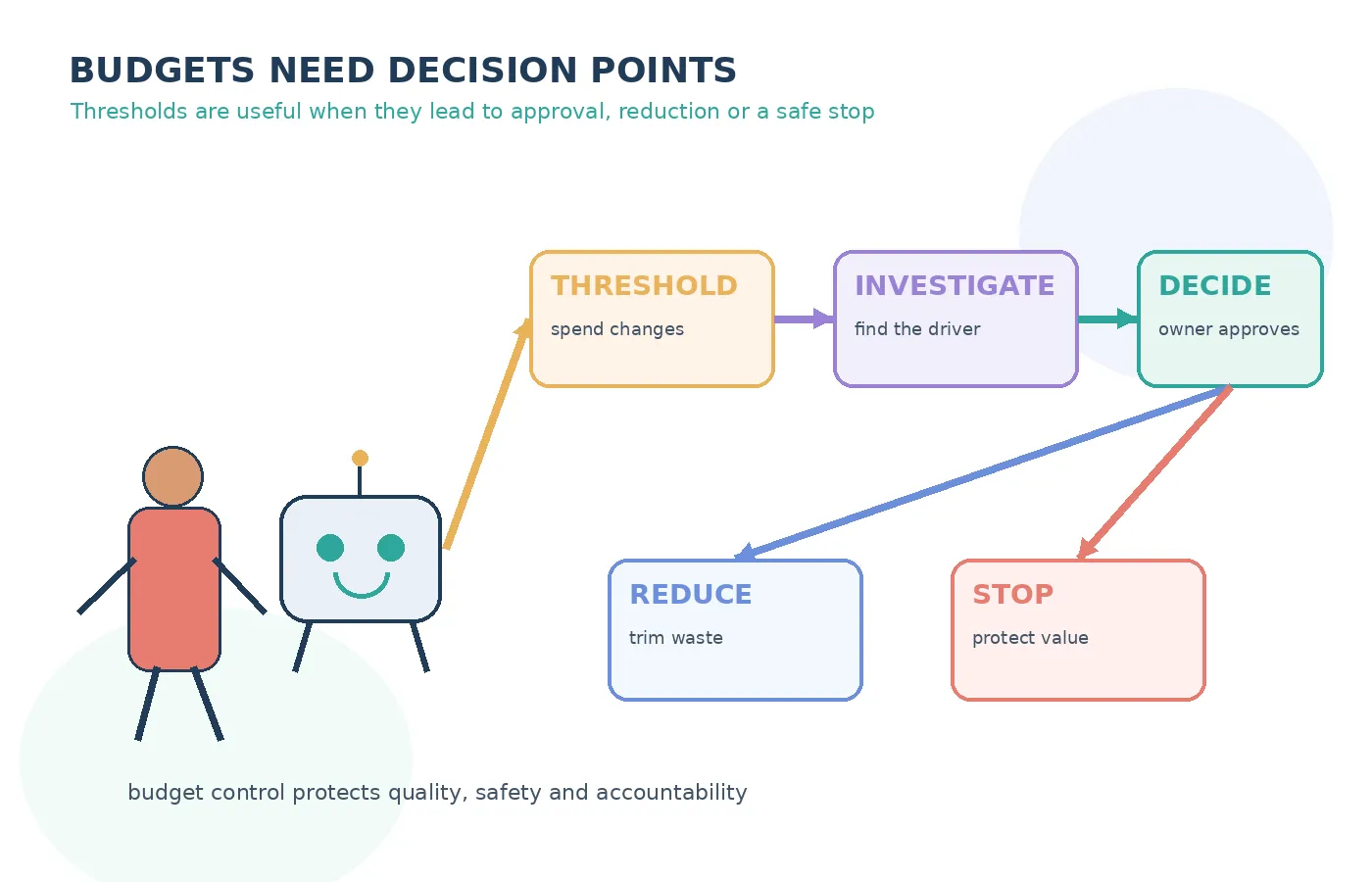
A budget is useful only when it can trigger a decision. Set a planning threshold, an investigation threshold, and a stop or approval threshold. Assign each to a person who can inspect usage and choose a safe response. Microsoft’s guidance also links forecasts, observed usage, spending limits, and notifications in a single cost-control process. [1]
Break spend down by team, environment, model, workflow, project, and customer segment where appropriate. Use tags or metadata consistently. If an invoice cannot answer who used a service and for what purpose, the project lacks cost attribution instead of merely lacking a better chart.
Reconcile provider data with application telemetry. A token counter may disagree with a billing export because of rounding, retries, minimum charges, cached operations, or delayed ingestion. Investigate the difference instead of silently choosing the smaller number. Keep a short monthly record of assumptions, changes, unusual events, and approved actions.
Cost optimisation should protect value. Test a cheaper model, shorter prompt, smaller index, lower trace retention, or different deployment mode against quality, safety, latency, and user outcomes. Stop a change that saves money by increasing harmful mistakes or manual work.
A cautious cost-control sequence
First, define the completed business outcome and estimate the full workflow. Next, tag traffic and separate development, evaluation, and production usage. Measure tokens, calls, embeddings, retrieval, storage, traces, infrastructure, and human corrections. Set budgets before increasing traffic.
Then inspect the expensive tail. Find the longest prompts, repeated embeddings, abandoned indexes, looping agents, idle resources, and oversized retention stores. Change one cost driver at a time and run a fixed quality and safety evaluation. Keep the before-and-after result.
Finally, review the system monthly and after major changes. A written cost review also helps future project team members and reviewers understand which estimates were tested, which controls changed, and which unusual charges still need investigation. Recheck provider pricing, model versions, traffic shape, retention requirements, and regional architecture. A cloud bill becomes manageable when engineers, product owners, security teams, and finance staff can read the same usage story. Keep the review record with the release notes, so later teams can see which assumptions changed and why. This record turns cost control into a repeatable operating practice for the whole team. It also gives procurement, engineering, and finance a shared basis for approving experiments, questioning anomalies, and stopping services that no longer support a useful outcome.
| KEY TAKEAWAY: AI cloud cost is the price of a complete outcome, not merely the advertised model rate. Count tokens, embeddings, retrieval, storage, agents, monitoring, infrastructure and human correction. Give every major cost signal an owner, threshold and tested response. |
|---|
| SAFETY CHECK: Do not delete records, reduce logging, weaken permissions, or switch models solely to cut spend. Protect sensitive prompts and documents, verify retention rules, reconcile usage with provider billing, require approval for high-impact actions, and test cost-saving changes for accuracy, safety and operational harm. |
|---|