
Introduction
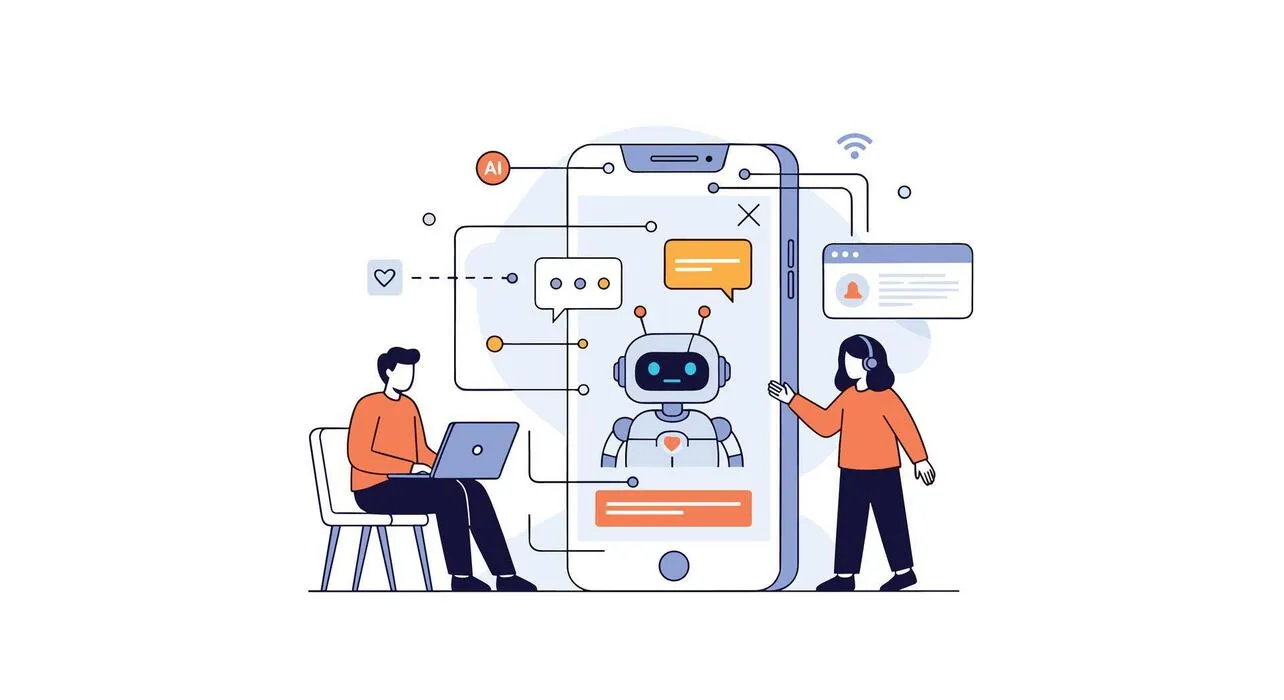
Small-business owners often encounter the words chatbot and AI agent in the same sales pitch. Both tools can understand natural language, answer questions, and support employees. That similarity creates confusion. A business may buy a chatbot when it actually needs a workflow tool, or choose an advanced agent for a simple question that a basic bot could handle with less risk.
HIGHLIGHTED TAKEAWAY — THE MAIN DIFFERENCE
A chatbot mainly manages a conversation. An AI agent works toward a goal and may complete several approved actions to reach it.
The boundary is not absolute. Some chatbots include integrations, and some agents use chat as their main interface. This distinction gives owners a useful way to compare products before they commit to a platform.
A chatbot may answer questions about opening hours, product availability, delivery areas, or return rules. An agent may check a customer record, look up an appointment, prepare a response, update a task, and ask a team member to approve the final action. The second system can save more time, but it also needs tighter permissions and better oversight.
This guide explains the differences in plain language and shows how to choose the right option without overcomplicating your technology stack.
What is an AI chatbot?
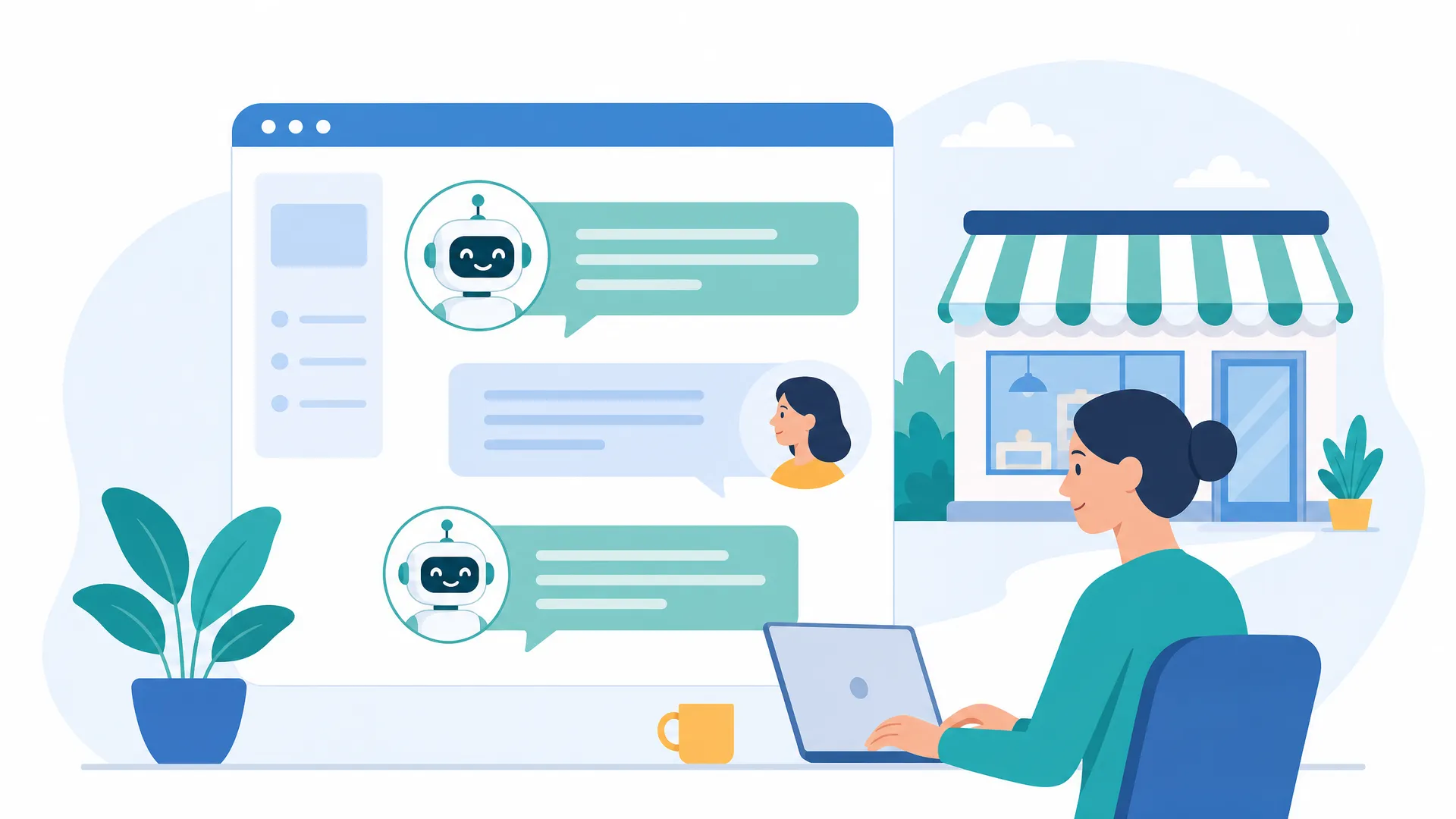
The picture above shows a chatbot answering a customer on a business website. Use this original visual or replace it with an image you have permission to publish.
Chatbot in simple terms: It handles routine customer questions. A staff member takes over when the request needs personal attention.
An AI chatbot is software that communicates with people through a website, mobile application, messaging platform, or voice channel. It receives a question or instruction, interprets the message, and returns a response. Some chatbots use fixed scripts. Others use a language model and a company knowledge base to produce more flexible answers.
For example, a local dental clinic could use a chatbot to answer questions about appointment hours, accepted insurance providers, parking, and new-patient paperwork. A small online store could use one to explain shipping times, describe product features, and direct customers to the correct returns page.
Google Cloud describes AI chatbots as conversational applications that use language understanding, machine learning, and large language models to respond to text or voice input [1]. In practical terms, the chatbot’s main responsibility is to make information easier to access through conversation.
Chatbot capabilities
A well-designed chatbot can answer common questions, recommend relevant pages, collect contact information, qualify a basic inquiry, provide order information, and transfer a conversation to a human representative. It can also search a controlled collection of documents, such as a support center or internal policy library.
A chatbot works best when it uses accurate information about the business today. If the business gives it outdated pricing, incomplete policies, or contradictory documents, the chatbot may produce an answer that sounds confident but does not reflect current practice. A chatbot therefore needs content maintenance, testing, and a clear fallback message when it cannot answer safely.
Where a chatbot may need human help
A chatbot may explain how a customer can reschedule an appointment without actually changing the appointment. It may describe a refund policy without checking whether a particular order qualifies. It may collect a lead without creating a complete sales record in the company’s CRM.
These limits are not always weaknesses. A business may prefer a human to approve refunds, review sensitive complaints, or confirm unusual orders. A chatbot can handle the early part of a conversation and pass the important decision to a trained employee.
What is an AI agent?
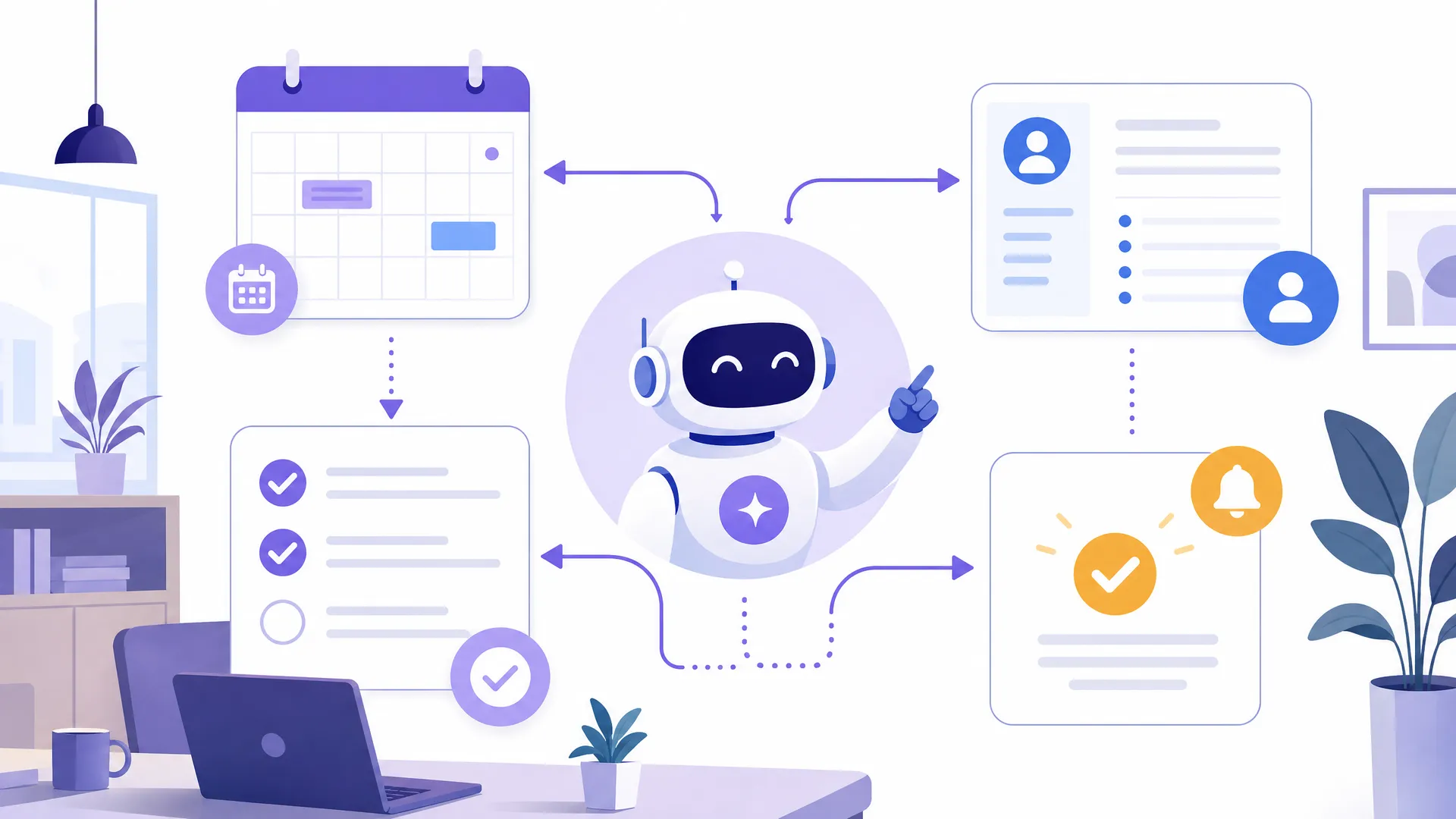
The second picture shows an agent checking several business details before a task is finished. Use this original visual or replace it with a properly licensed graphic.
IN PLAIN TERMS — AI AGENT
An AI agent can follow several instructions, use selected business tools, and finish a task with the right checks. A person can review the result whenever the decision carries real consequences.
An AI agent is a software system that works toward a defined objective. It interprets an instruction, selects an appropriate sequence, uses approved tools, checks the results, and either continues or asks for help. The agent may operate through a chat window, but the conversation is only one part of the system.
Imagine that a customer writes, “Please move my consultation to next Thursday afternoon.” A basic chatbot may explain the rescheduling policy. An AI agent could check the customer’s record, view available time slots, propose suitable options, place a temporary hold, request confirmation, update the appointment, and send a notification. The exact sequence depends on the business rules and system integrations.
Microsoft describes AI agents as more goal-oriented and better suited to multi-step tasks than simpler conversational systems [2]. For a small business, an agent becomes useful when it can move through several approved steps in a defined workflow. Keep the boundaries clear, and let a person step in when the decision needs judgment.
AI agent capabilities
A small-business AI agent can prepare a sales follow-up, classify an incoming support request, create a task from an email, check inventory before drafting a customer reply, summarize a meeting, or route a lead to the correct team member. It may also combine information from a CRM, calendar, help desk, and shared documents.
Every action should have boundaries. The business should define which applications the agent can access, what information it may read, what changes it may make, and when it must ask for human approval. NIST highlights identity, authorization, security evaluation, and interoperability as important areas for trustworthy AI agent systems [3].
AI agents vs chatbots: the main differences
The following comparison focuses on business behavior rather than product labels.
| Area | AI chatbot | AI agent |
|---|---|---|
| Main role | Provides conversational assistance | Works toward a goal through a workflow |
| Typical result | Answer, recommendation, or handoff | Completed action, draft, update, or escalation |
| Number of steps | Usually one response or a short dialogue | May involve several connected actions |
| Use of business tools | Optional | Often central to the design |
| Permissions | Usually limited | Must be carefully defined and monitored |
| Best starting use | FAQs, support guidance, and lead capture | Repetitive processes that cross multiple systems |
| Main concern | Incorrect or incomplete information | Incorrect information plus an unwanted action |
Conversation and task completion
A chatbot succeeds when it gives a useful and accurate response. An agent must do more. It must complete the task correctly, preserve the right information, and stop when it reaches a condition that requires human judgment.
For example, a chatbot can tell a customer that a product is usually delivered within five business days. An agent could check the current order, compare the delivery address with the shipping record, identify a delay, and prepare a tailored update. The agent’s value comes from the work it performs behind the conversation.
Answers and actions
HIGHLIGHTED RISK ALERT
A chatbot usually provides information or directs the user. An agent can take an action through a connected system. These roles create different risks.
An inaccurate chatbot reply can disappoint a customer. An inaccurate agent action can cancel an order, send the wrong message, alter a record, or reveal information to an unauthorized person.
This is why a small business should not grant an agent broad access during its first pilot. Start with read-only access or draft-only actions. Add approval steps before allowing the system to send messages, modify customer records, issue credits, or commit funds.
Predictable paths and flexible planning
Traditional chatbots often follow designed conversation paths. The business can test the likely questions and expected responses. AI chatbots can be more flexible, but they still focus on conversation.
Agents can adapt their plan when a tool returns a different result. That flexibility helps with complicated processes, yet it makes testing more difficult. The business must test not only the normal route but also missing information, duplicate records, system outages, unclear instructions, and conflicting customer requests.
Which option suits a small business?
A chatbot usually makes sense when the business receives a high volume of repeated questions. It can improve response times without requiring access to sensitive systems. Good starting topics include opening hours, shipping information, product details, booking instructions, return policies, and basic troubleshooting.
An AI agent may suit the business when employees repeatedly perform the same multi-step process. Useful examples include moving leads from a form into a CRM, preparing meeting summaries, checking appointment availability, creating support tickets, and drafting personalized follow-up emails.
The decision should come from a real business problem rather than a technology trend. List ten routine tasks. For each one, note how often it occurs, how long it takes, which systems it uses, and what a mistake would cost. If the task only requires an answer, begin with a chatbot. If it requires several connected actions, investigate an agent.
Cost and complexity: what owners should consider
The subscription price does not show the full cost of an AI project. A chatbot may require content preparation, conversation design, testing, staff training, and regular updates. An agent may require integrations, permission controls, monitoring, audit logs, and a process for handling failed actions.
Before purchasing a tool, ask the vendor several practical questions. Can the team review conversation and action logs? Can administrators restrict access by role? Does the system support human approval? How does it handle confidential information? Can the business export its data if it changes platforms? What happens when an external application becomes unavailable?
The safest pilot uses one narrowly defined workflow. Give the system a limited knowledge source, a small number of permissions, and a clear escalation rule. Keep a person involved when the process includes financial decisions, sensitive personal data, legal commitments, account changes, or public communication.
A simple four-step selection process
Step 1: Choose a measurable problem
Select a task that happens often and has a clear beginning and end. “Improve productivity” is too broad. “Prepare a draft response for new quote requests within ten minutes” is easier to test.
Step 2: Document the correct process
Write down the approved information sources, required steps, exceptions, and handoff conditions. If the team cannot explain the process, an AI system will struggle to automate it consistently.
Step 3: Start with limited authority
Begin with read-only access or draft creation. Ask the agent to show its proposed action before the business allows automatic changes. Use separate test data whenever possible.
Step 4: Measure quality, not just speed
Track accuracy, completion rate, correction time, customer satisfaction, and costly errors. A system may respond quickly and still waste time if employees must correct it after every use.
Common mistakes to avoid
The first mistake is choosing a product because it uses the word “agent.” The label does not guarantee safe task handling or useful connections with other software. Read the feature documentation and test the exact workflow your team wants to improve.
The second mistake is giving the system too much access. An AI tool should receive only the permissions needed for its assigned task. Separate reading information from changing information, and require confirmation for high-impact actions.
The third mistake is ignoring the handoff to a person. Customers should know when a software system is answering them and how to reach a human. Employees should also know how to review, correct, and stop an automated process.
The fourth mistake is counting conversations instead of measuring outcomes. A smaller tool can guide customers accurately and route complex cases to the right employee, often delivering better results than a larger system that gives unreliable answers.
Final answer: chatbot or AI agent?
HIGHLIGHTED BOTTOM LINE
Choose a chatbot when you mainly need better conversations. Consider an AI agent when you need a system to complete a repeatable workflow. The two technologies overlap, so examine the product’s actual features instead of relying on its marketing label.
For most small businesses, a focused chatbot is a sensible first project. It can answer frequent questions, collect leads, guide customers, and reduce pressure on a small support team. An AI agent becomes a stronger choice when the business has a well-documented process that requires several steps across connected tools.
Start with one real bottleneck. Protect customer information, limit permissions, keep human approval where the consequences matter, and expand only after the pilot produces reliable results. The best choice is not the tool with the longest feature list. It is the tool that solves a defined problem safely and remains manageable for your team.